Track Every Click Maximize Your
Conversions
Instantly
Easily track every link click on your website, gain actionable insights into user behavior, and optimize engagement to increase conversions and grow your online presence effectively.
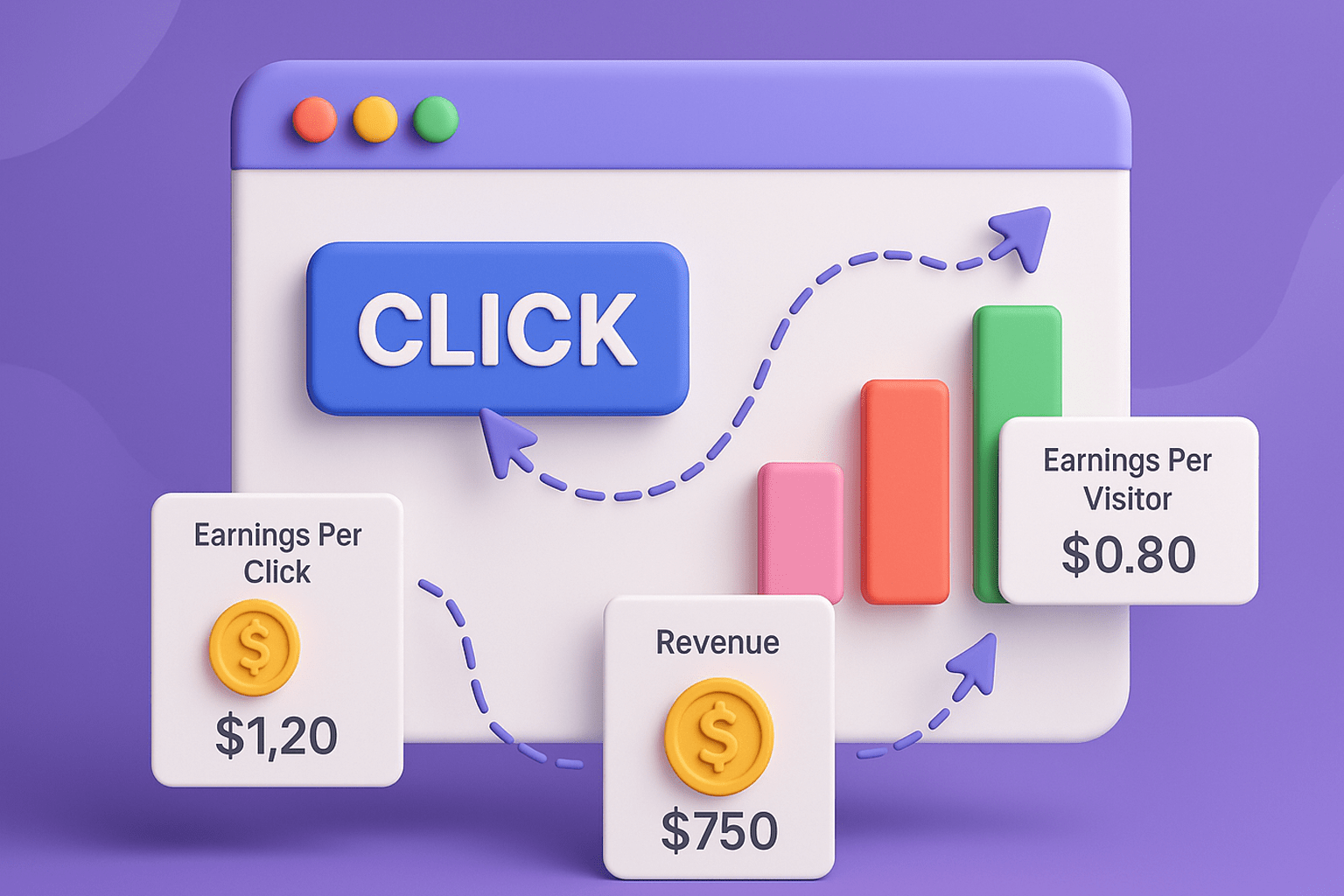
Everything You Need To Succeed
Our comprehensive suite of tools is designed to streamline your workflow, boost productivity,
and help your team achieve more together.
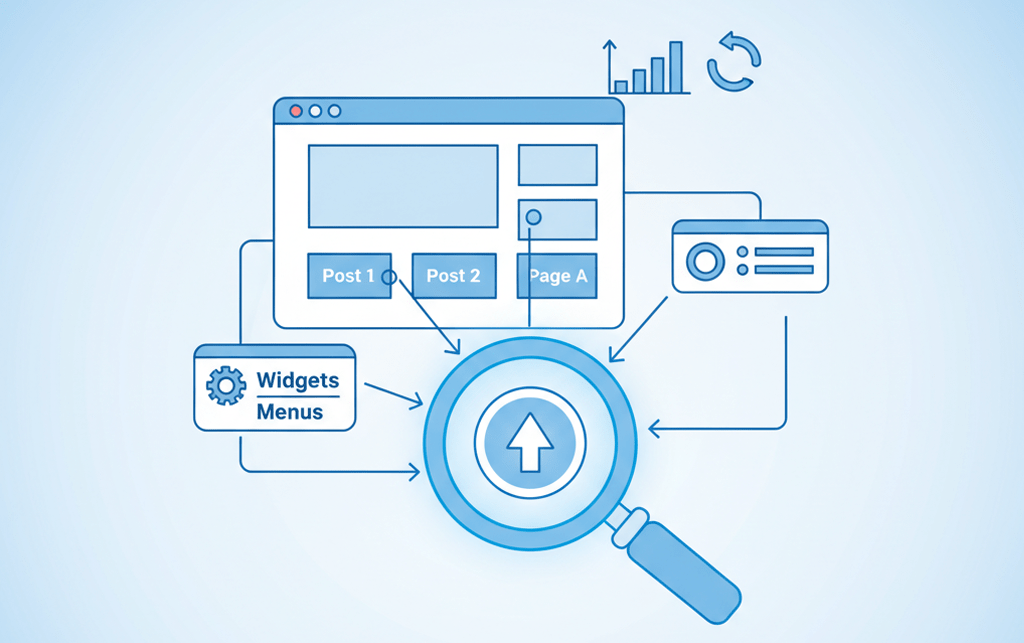
Comprehensive Click Tracking
Monitor every link click across your site, including posts, pages, widgets, and menus, to understand exactly where users engage.

Detailed Reports & Analytics
View daily, hourly, and total click statistics with visual charts, helping you make data-driven marketing decisions.
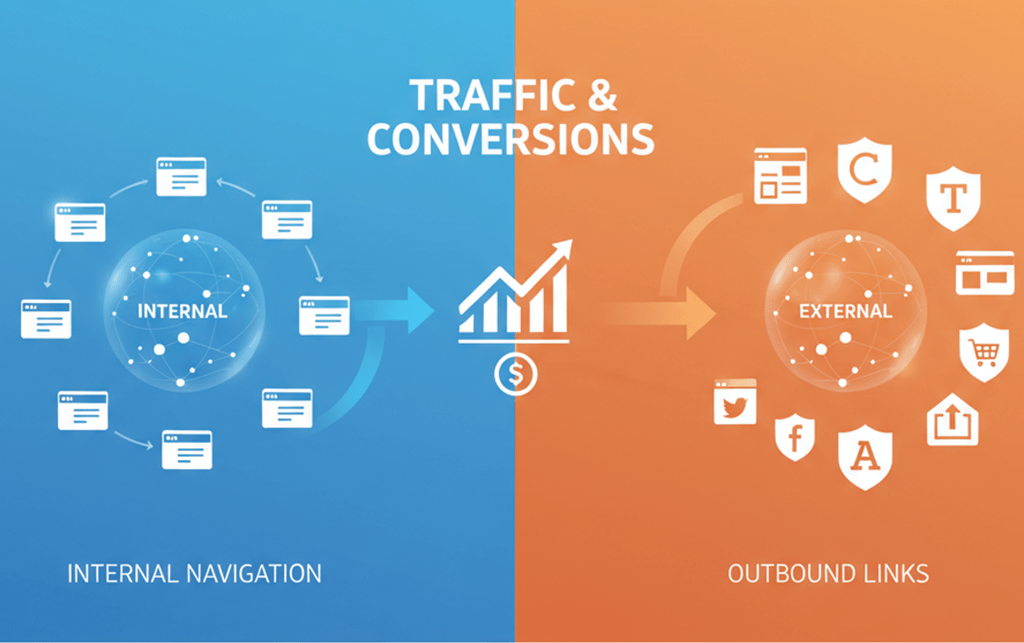
Track External & Internal Links
Track both internal navigation and outbound links to see which content drives the most traffic and conversions.

Custom Trackable Links
Create unique trackable URLs for campaigns, emails, or affiliate links, ensuring accurate performance measurement.

Admin Dashboard Widget
Access quick click summaries and top-performing links right from your WordPress dashboard for instant insights.

Lightweight & Easy to Use
Simple setup with minimal configuration, ensuring fast performance without slowing down your website.
Start Tracking in 3 Simple Steps
Get started in minutes with our intuitive setup process. Track links automatically
and gain valuable insights into your audience's behavior.

Automatic Link Tracking
After activation, the plugin will automatically scan and rewrite links in your posts to include tracking parameters.
Create Custom Links
Navigate to the plugin settings to create independent trackable links. These can be embedded in posts or used externally.
Advanced Analytics
Access detailed click statistics through the plugin's reporting interface. Analyze data by referrer, time, and individual link performance.
Frequently Asked Questions
Find quick answers to the most common questions about our click tracking solution.
Can't find what you're looking for? Contact our support team.
What does Click Tracker do?
It tracks clicks on your site, including internal, outbound, and affiliate links, giving you detailed statistics about user interactions.
Can I track multiple sales goals like front-end, upsell, or order bumps?
Yes! ClickTracker lets you track multiple goals like front-end, upsell, or order bumps. Just add a simple tracking code, and it automatically logs each sale’s value and contribution to revenue.
How do I view click statistics?
Once activated, click reports are available in the plugin dashboard. You can analyze data by link, referrer, and time (daily/hourly).
Can I track the same campaign across multiple platforms ?
Yes! ClickTracker lets you create unique tracking links for each platform and shows which source delivers the most clicks, sales, and revenue — all under one campaign.